Animate an authorized still
Turn a permitted adult portrait into a controlled close-up with subtle motion, stable framing, and cinematic depth.
Input · Authorized imageMotion · Slow dolly-in
Free NSFW AI video generator — create stunning video from image or text online with fine-tuned Wan AI models. Supports Wan 2.7, and 3.0(spicy).
Start with an authorized image or lawful prompt, choose the live settings, and track your video in three clear steps.
Use source media you have permission to use, as set out in the content guidelines, then describe the adult scene or intended motion.

Compare the live model's duration, aspect ratio, resolution, and Credit estimate.

Confirm the Credit estimate, generate, then track the result in your History.

Start with an authorized adult image or text prompt, then shape the motion, camera direction, and live model settings.
 Dolly inShot 15sAfter-hours motion studyA mature adult dancer in tailored eveningwear moving through a rain-lit violet lounge, cinematic side tracking shot, controlled motion blur, faces obscured.5s · 16:9 · Illustrative setupUse this setup
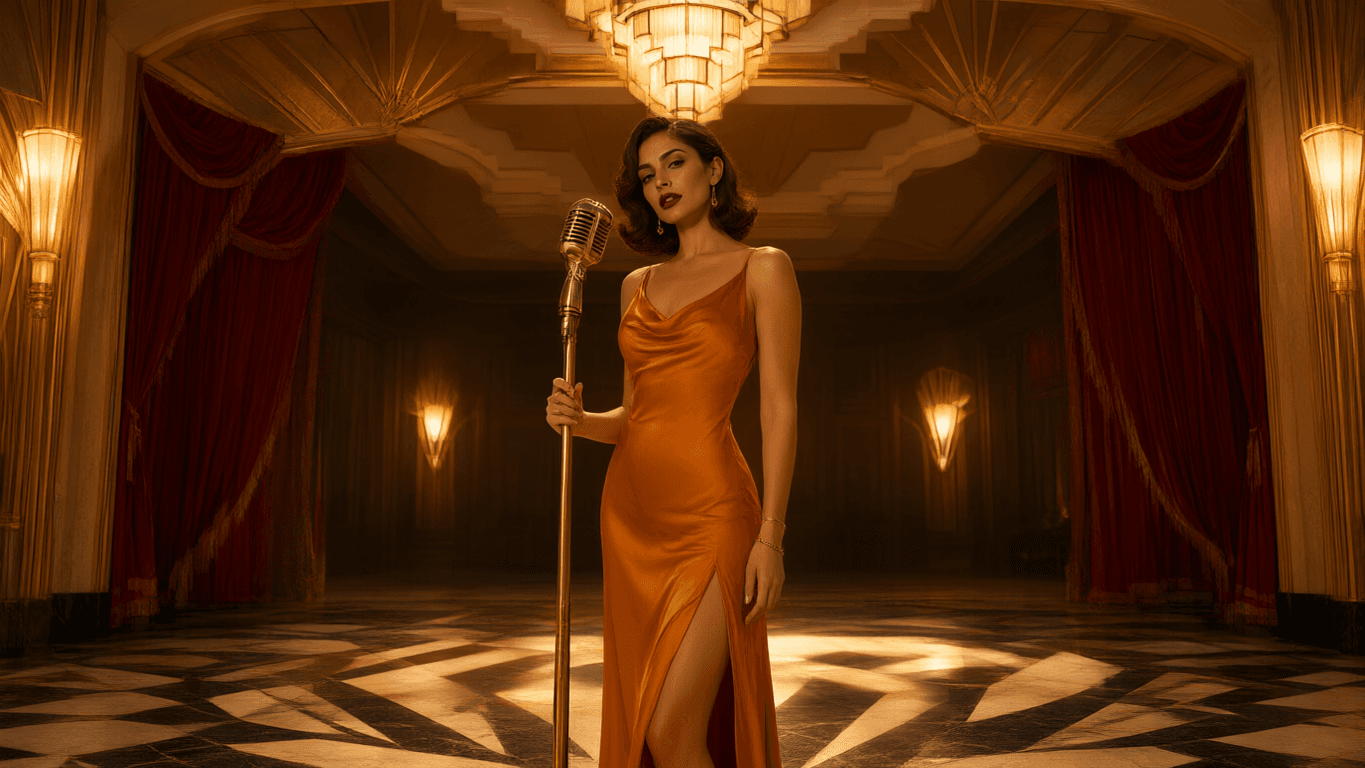 OrbitShot 25sAmber stage studyA fictional adult performer in an amber evening gown on an art-deco stage, warm practical light, slow dolly-in, shallow depth of field.5s · 16:9 · Illustrative setupUse this setup
 TrackShot 35sVelvet dream sequenceA mature adult performer crossing a crimson velvet stage into a moonlit dreamscape, slow orbit, floating silk, luxury fragrance-film atmosphere, face concealed by shadow.5s · 16:9 · Illustrative setupUse this setup
Illustrative configurations · not generated results
Three consent-first creative directions, each illustrated with a distinct generated motion study.
Turn a permitted adult portrait into a controlled close-up with subtle motion, stable framing, and cinematic depth.
Test framing, pace, and direction for an adult scene before committing to an image-to-video or text-to-video setup.
Explore adult atmosphere through costume, lighting, and camera direction without relying on identifiable faces or unauthorized likenesses.
Clear answers about uncensored AI video, text-to-video, quality, available settings, Credits, and consent-first creation.
It is a workflow for turning an authorized adult image into an AI video. Upload the source image you have permission to use, describe the motion you want, then select from the image-to-video options currently available in NSFW Wan.
Open Create video, select an available image-to-video setup, upload your authorized source image, and add a focused motion prompt. Review the model's available duration, aspect ratio, resolution, and Credit estimate before you generate.
Yes, when text-to-video is available in the live Catalog. Describe the adult scene, intended action, camera movement, lighting, and style, then review the settings and Credit estimate shown for that model before generating.
Start with a clear, authorized image and ask for one deliberate movement or camera direction at a time. Keep the motion prompt specific, then use the model settings currently available to test duration, framing, and output quality.
The Credit estimate is shown before you generate. It is based on the selected live model and output configuration, so you can review the current requirement before starting a task.
Only if you have the rights and informed consent required for the intended use. Never upload a minor, someone whose adulthood is unclear, non-consensual intimate material, or a real person's likeness for unauthorized impersonation.
Bring an authorized adult image or lawful text prompt into the Workspace, choose a live model setup, and see the Credit estimate before generation.